Whether you're a freelancer tracking deductible expenses before tax season, a corporate traveler submitting hotel and meal receipts, or a small-business owner who needs organized financial records — Receipt Office is the fastest receipt scanner app to get the job done.
How the Receipt Scanner Works
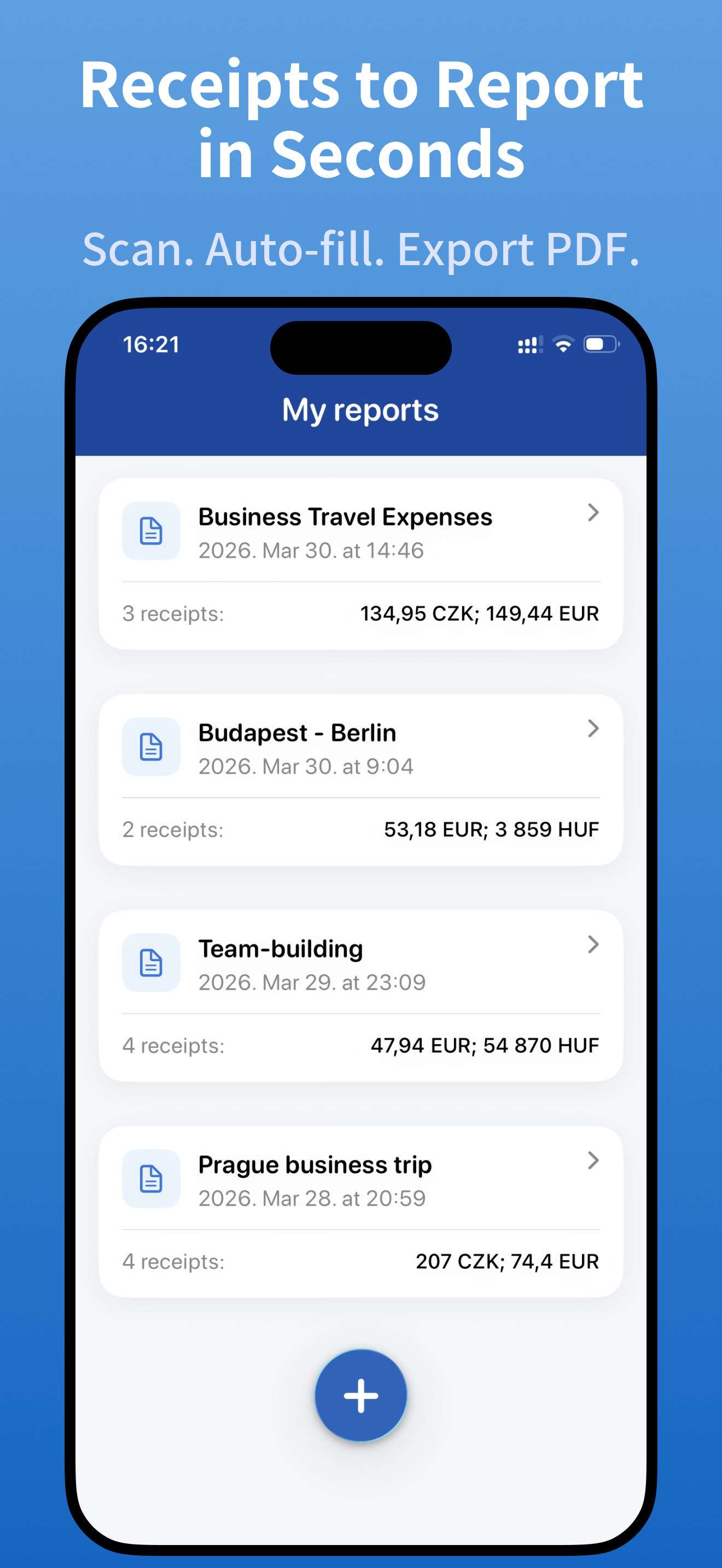
- Create an expense report — open the app and add receipts by scanning them with your camera or importing photos from your gallery.
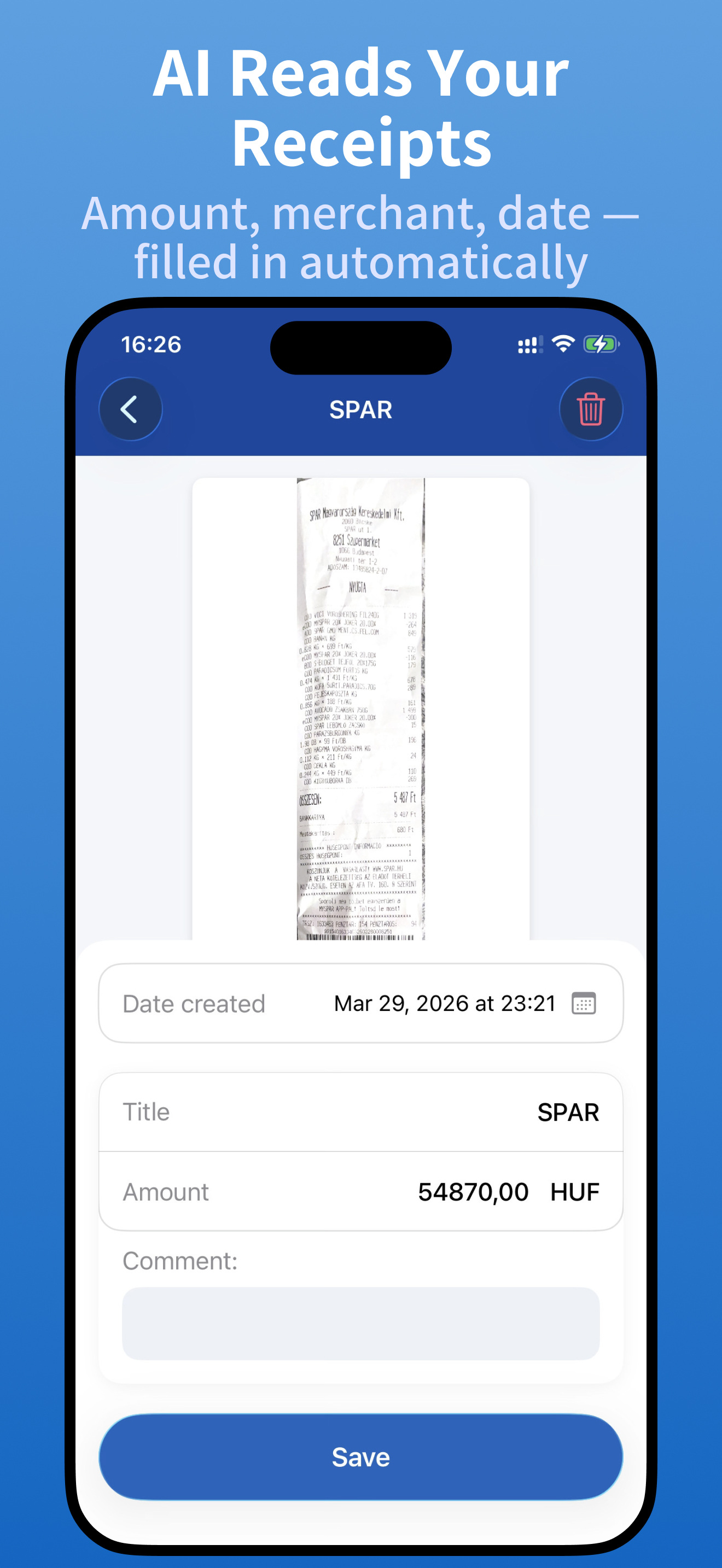
- AI extracts the data — total amount, merchant name, currency, date, and category are recognized and filled in automatically using advanced OCR technology.
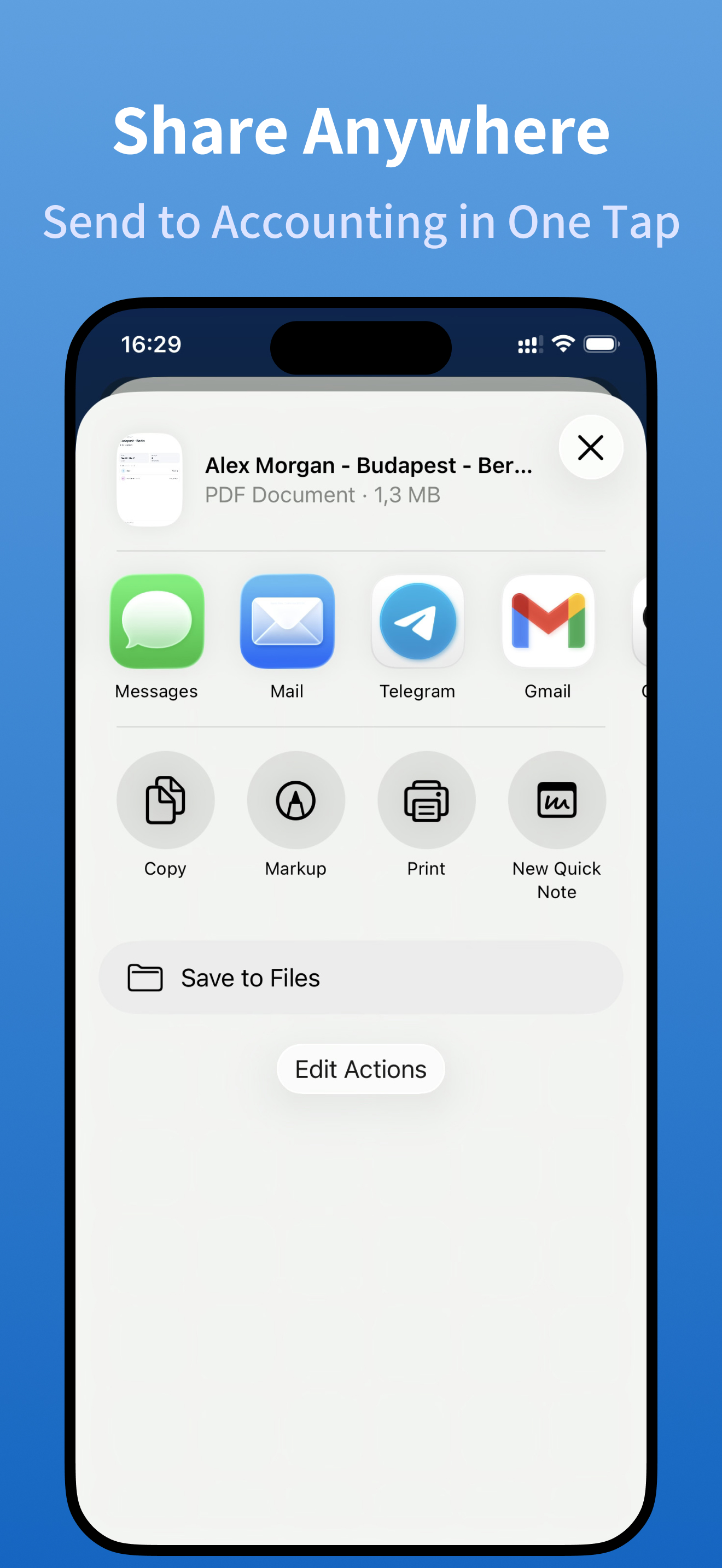
- Export & share your PDF — generate a polished, accountant-ready PDF report and send it via email, Slack, WhatsApp, or any other app.
AI-Powered Receipt OCR Recognition
The built-in AI reads every receipt and auto-fills key fields so you never have to type manually:
- Total amount & currency (USD, EUR, GBP, CAD, and 50+ more)
- Merchant or vendor name
- Transaction date
Every field stays editable — you're always in full control of your expense data.
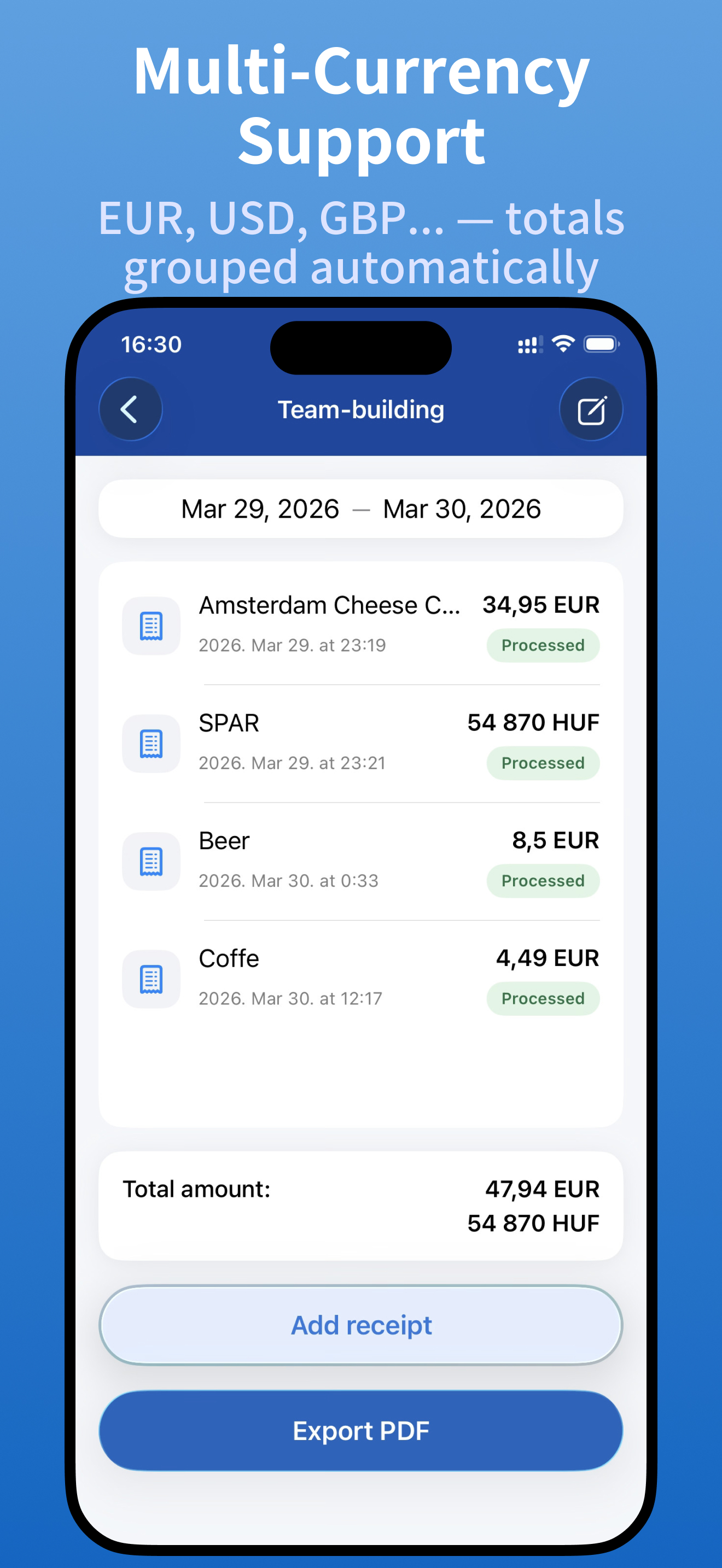
Multi-Currency Expense Tracking
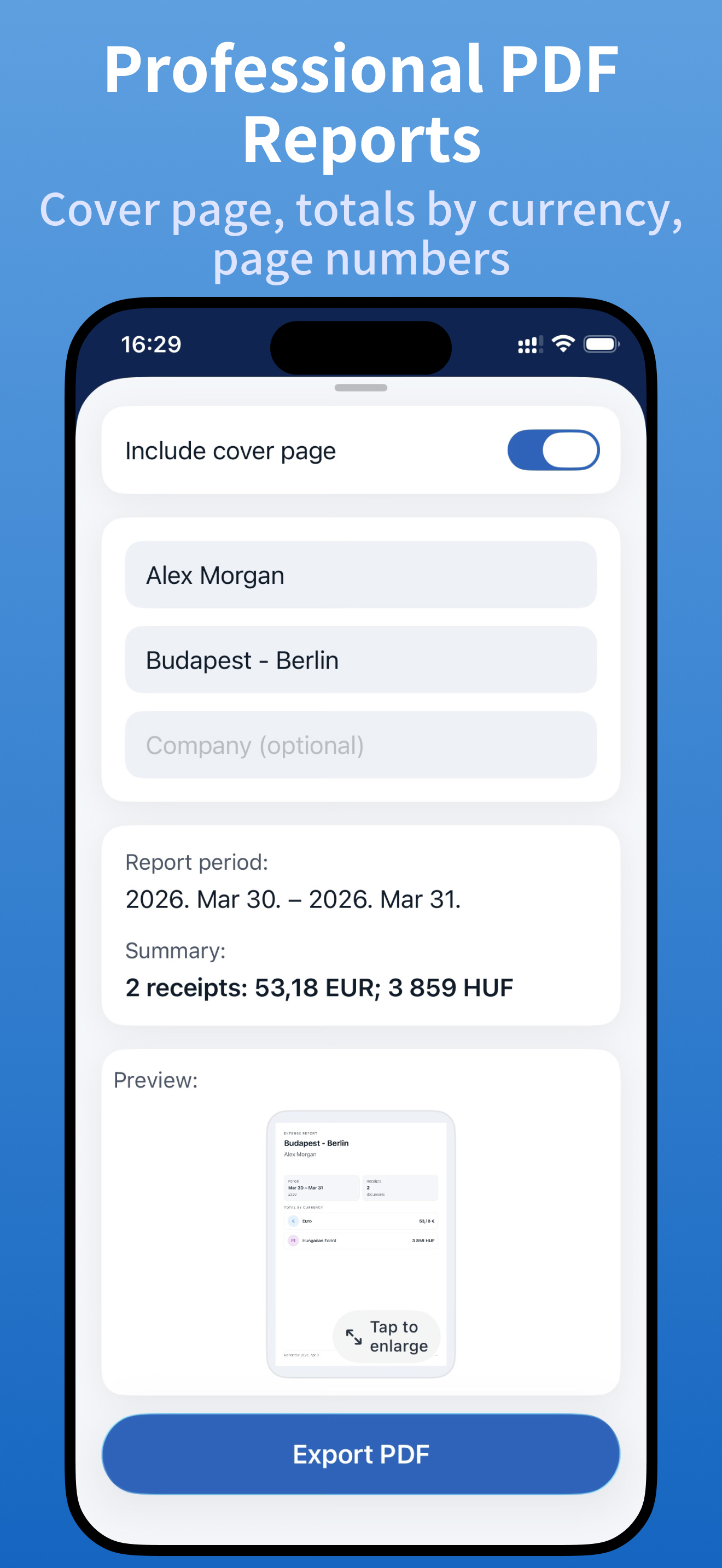
Traveling internationally? Receipt Office automatically groups your totals by currency. The PDF cover page displays a clear per-currency breakdown, so you and your accountant see every dollar, euro, and pound at a glance — no spreadsheets or manual math required.
Professional PDF Expense Reports
Generate a ready-to-submit PDF report that includes:
- A branded cover page with your name, company, report title & date range
- Expense totals broken down by currency
- All receipt images neatly organized with page numbers
- A clean, professional layout that accountants, managers, and tax advisors trust
Who Uses Receipt Office?
- Business travelers — capture hotel, restaurant, taxi, and flight receipts on the go
- Freelancers & self-employed — track deductible expenses and simplify tax filing
- Small-business owners — keep tidy financial records without hiring a bookkeeper
- Remote workers — submit home-office and equipment expense claims quickly
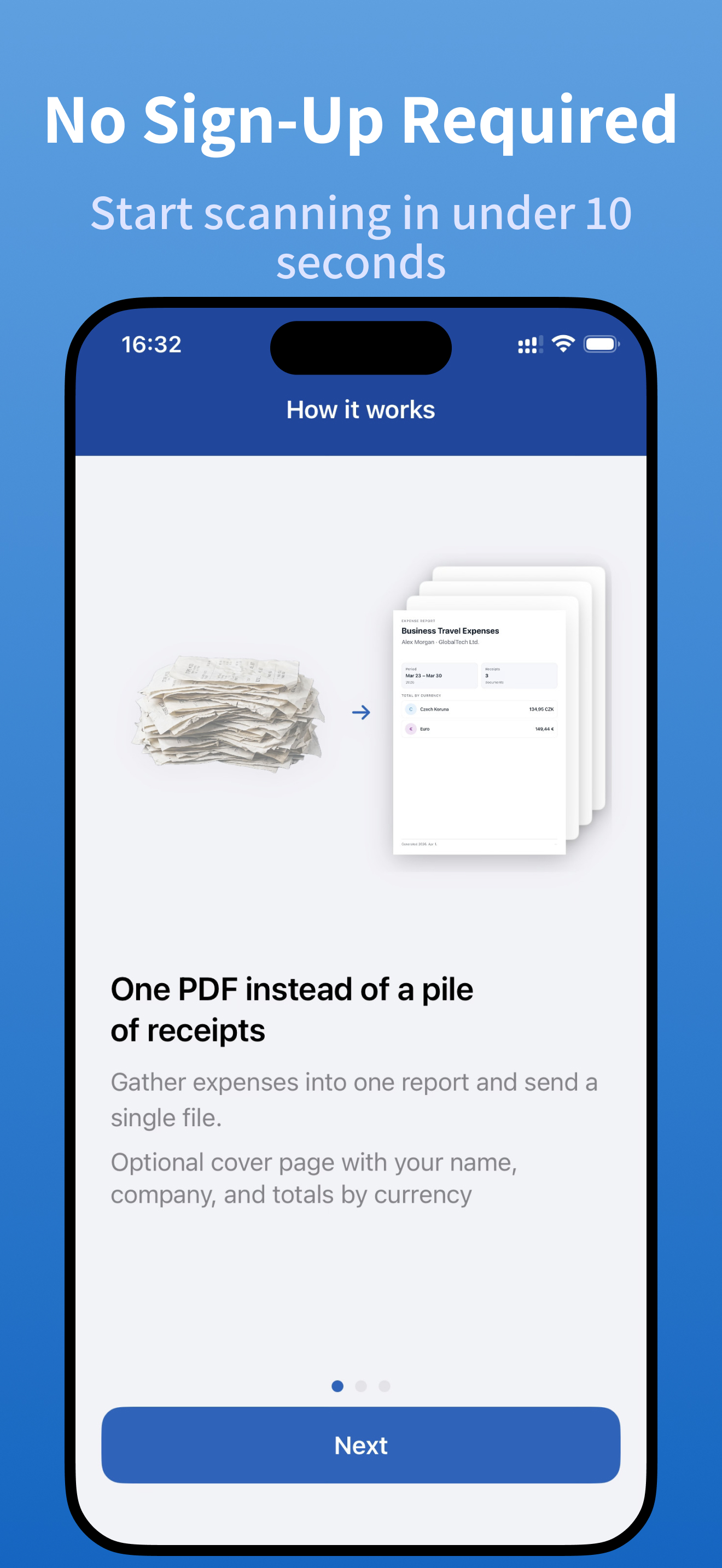
- Anyone tired of shoeboxes full of crumpled paper receipts
Designed for Speed & Simplicity
- No account or sign-up required — start scanning receipts in seconds
- Works offline for report browsing and organization
- Minimal, intuitive interface with zero learning curve
- Built for people who hate doing expense reports
Why Choose Receipt Office Over Other Expense Apps?
Most expense-tracking apps fall into two extremes: bloated enterprise platforms with features you'll never use, or basic camera scanners that can't tell a receipt from a grocery list. Receipt Office sits in the sweet spot — smart enough to auto-extract data from any receipt using AI, yet simple enough to master in under 30 seconds. No training, no onboarding, no corporate IT department required.
Free to Download & Start Scanning
Use Receipt Office for free with up to 2 receipts per report — perfect for trying the AI scanner. Upgrade to Premium for unlimited receipts per report, full PDF export without watermarks, and priority support.
Download Receipt Office now — turn every paper receipt into a professional expense report in seconds.